

Google Meet Take Notes Now Works Without a Video Call
Google's Gemini note-taker has stepped out of the video window and onto the conference table, and the consent settings matter more than the feature does.


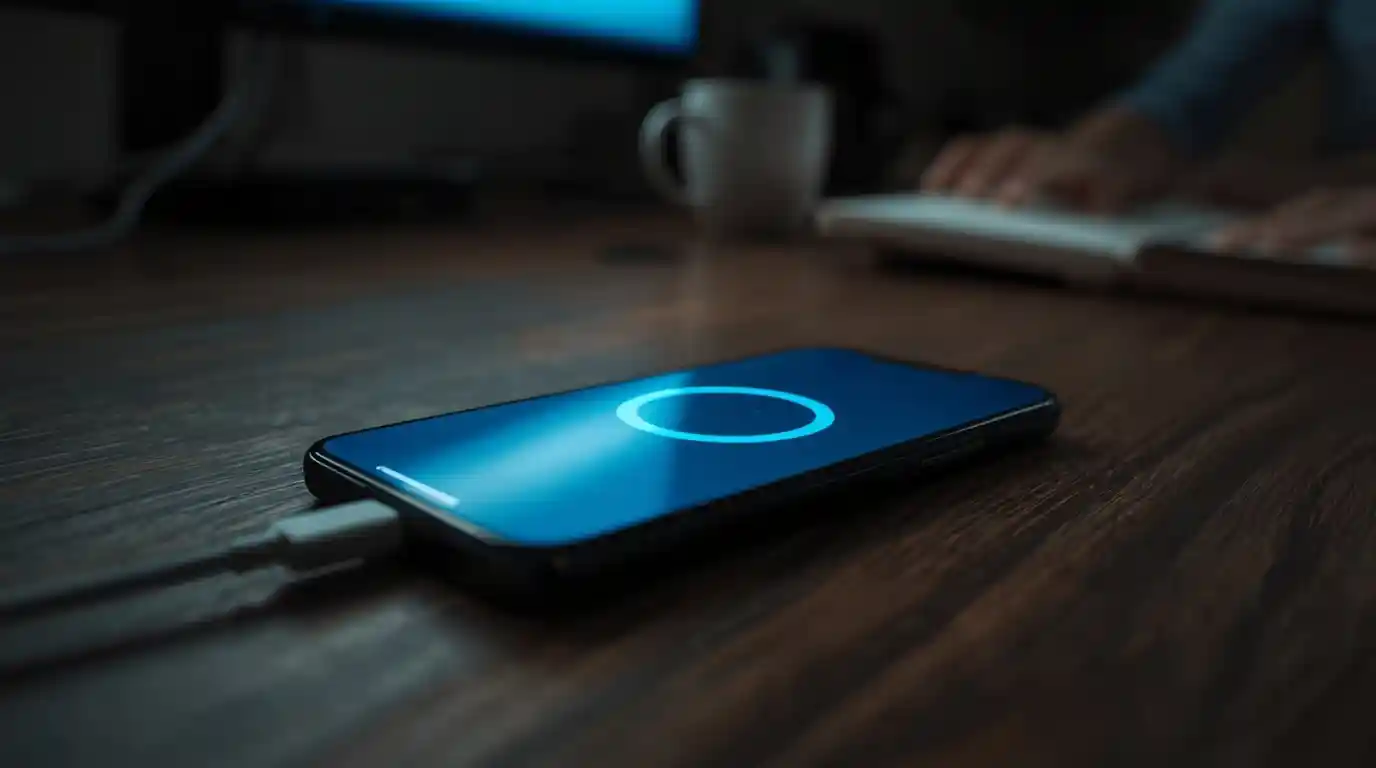
Google Meet Take Notes, the Gemini feature that has spent the past year writing up video calls, now runs when there is no call at all. You open the app, tap the note-taking icon, and set your phone down on the table. Android users started seeing it on August 11, the web version followed on August 14, and iOS is due no sooner than August 31, according to 9to5Google.
The mechanics are deliberately unglamorous. Gemini listens through the phone's microphone, transcribes the conversation, then spits out a summary and a list of action items. All of it saves to a Google Doc in Drive, and a link lands in your email once you stop the session. You can pause partway through a long meeting and resume without starting over.
That small change matters more than it sounds. Until now, the note-taker only existed inside a Meet window, which meant the AI was useful for remote work and invisible for everything else — the stand-up in the corner office, the client lunch, the hallway conversation that turns into a decision. Google previewed the in-person version back in April at its Cloud Next event. It's now shipping, and for millions of workers it arrives switched on by default.
How Google Meet Take Notes Handles a Real Room
There is no new hardware and no separate download. The capture happens on whatever phone or laptop you already carry, which is why Google's own framing leans on a comparison most Pixel owners will recognize instantly.
set your device nearby, just like you would with Pixel Recorder or other audio app
Where the notes actually end up
Output is identical to what the in-call version produces: a transcript, a written summary, and extracted action items, bundled into one Doc in your Drive. The email link is the part most people will use, since it means the notes surface in your inbox rather than in a folder you forget to open. Sharing follows normal Docs permissions, so whoever you add can read the raw transcript too.
The 15-minute floor and the single-language catch
Two limits are worth knowing before you rely on this. Google recommends meetings of at least 15 minutes, because a short exchange doesn't give the model enough material to summarize sensibly. And only one language is supported at launch, which rules out the bilingual conversations that are routine in plenty of American offices. Expect both constraints to loosen, but don't plan around that yet.
Which plans actually include it
On the consumer side, this sits behind Google AI Pro and AI Ultra subscriptions. For businesses, it covers Workspace Business Standard and Business Plus, Enterprise Standard and Enterprise Plus, and Frontline Plus. Schools need the Google AI Pro for Education add-on. If your company runs Business Starter — a common choice for small US firms watching per-seat costs — you don't get it, and there's no one-off purchase.

The consent rules US teams should read first
A phone quietly transcribing a room is legally different from a video call where everyone can see a recording badge. Federal law and most states allow recording when one participant consents. But roughly a dozen states, California, Florida, Illinois, Massachusetts, Pennsylvania and Washington among them, require every party to agree. A tool that makes capture effortless makes accidental exposure effortless too.
Google has built a lever for this. Admins can require explicit consent before notes, recordings or transcripts begin, a setting that resumed rolling out on July 29 with completion expected around August 12. If someone declines, the organization chooses whether that person is removed from the meeting or allowed to stay once the capture stops. The in-call version already notifies every participant when the note-taker is running.
What your admin can switch on, and when
The July admin update added a middle setting between on and off: allow automatic note-taking only when three or more people are present, which spares one-on-ones. Defaults differ sharply by tier. Business Standard and Business Plus arrive with the feature on. Enterprise Standard, Enterprise Plus, Frontline Plus and the education add-on arrive off — the larger the customer, the more cautious the default.
Those admin controls finished rolling out by August 3. The matching end-user setting starts appearing no sooner than September 21, and Google says nothing changes for end users on any plan before that date. So September 21 is the one to circle: it's when individual employees can override the company default for themselves.
Is this better than a standalone recorder app?
Not obviously, on features. Dedicated transcription services have offered phone-based capture of in-person meetings for years, some with speaker labeling and CRM hooks Google doesn't match. The advantage here is distribution. Nobody has to expense a new subscription, get a vendor through procurement, or convince a security team to approve another app that listens. It's already in the license, already in the phone, and for a large slice of Workspace customers it's already turned on.
Before your next meeting, do two things. Check whether your organization sits on a tier where this defaults to on, and ask your admin whether explicit consent is required — especially if your team spans an all-party consent state. Then say out loud that you're taking AI notes before you tap the icon. It costs three seconds, and it's the difference between a useful transcript and an awkward conversation with legal.



Comments 0